How it works
From request to result, without losing control.
Commander is a loop: profile context in, model reasoning in the middle, tool or framework action when needed, and an audit trail at the end.
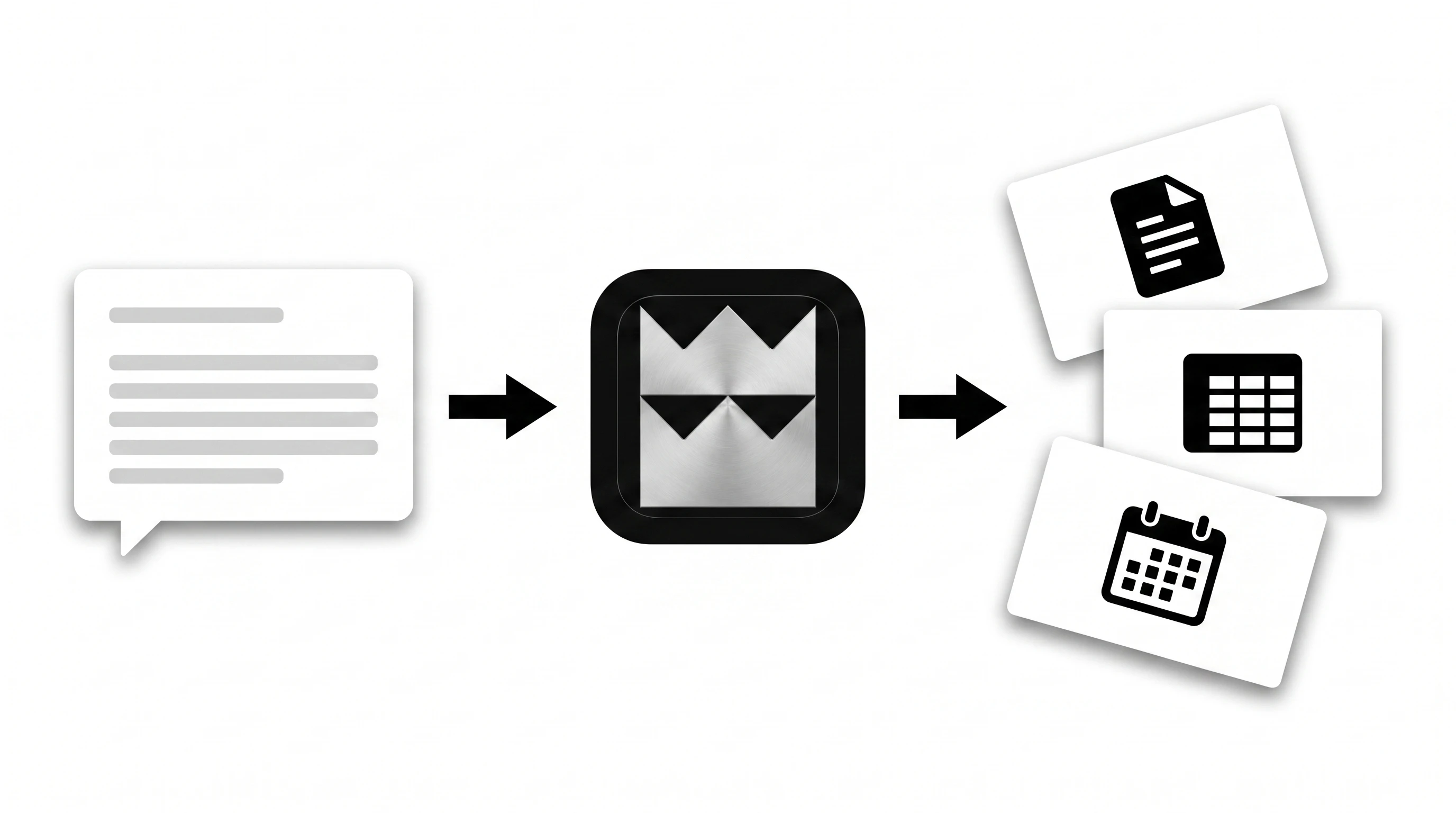
Intent in.
Work out.
Every request moves through the same loop. Commander assembles your profile's memory and documents, streams through the AI source you chose, takes the right kind of action — and records what happened.

Direct answer
For low-risk questions, Commander simply replies with the profile context already assembled.
Specialist mode
Finance, strategy, and research requests route to Commander-owned stores and runners.
Tool call
Connected apps can be called directly when the model needs Gmail, Sheets, Calendar, or another native API.
Approval
Destructive actions pause for confirmation unless you explicitly scheduled or approved them earlier.
Control,
by design.
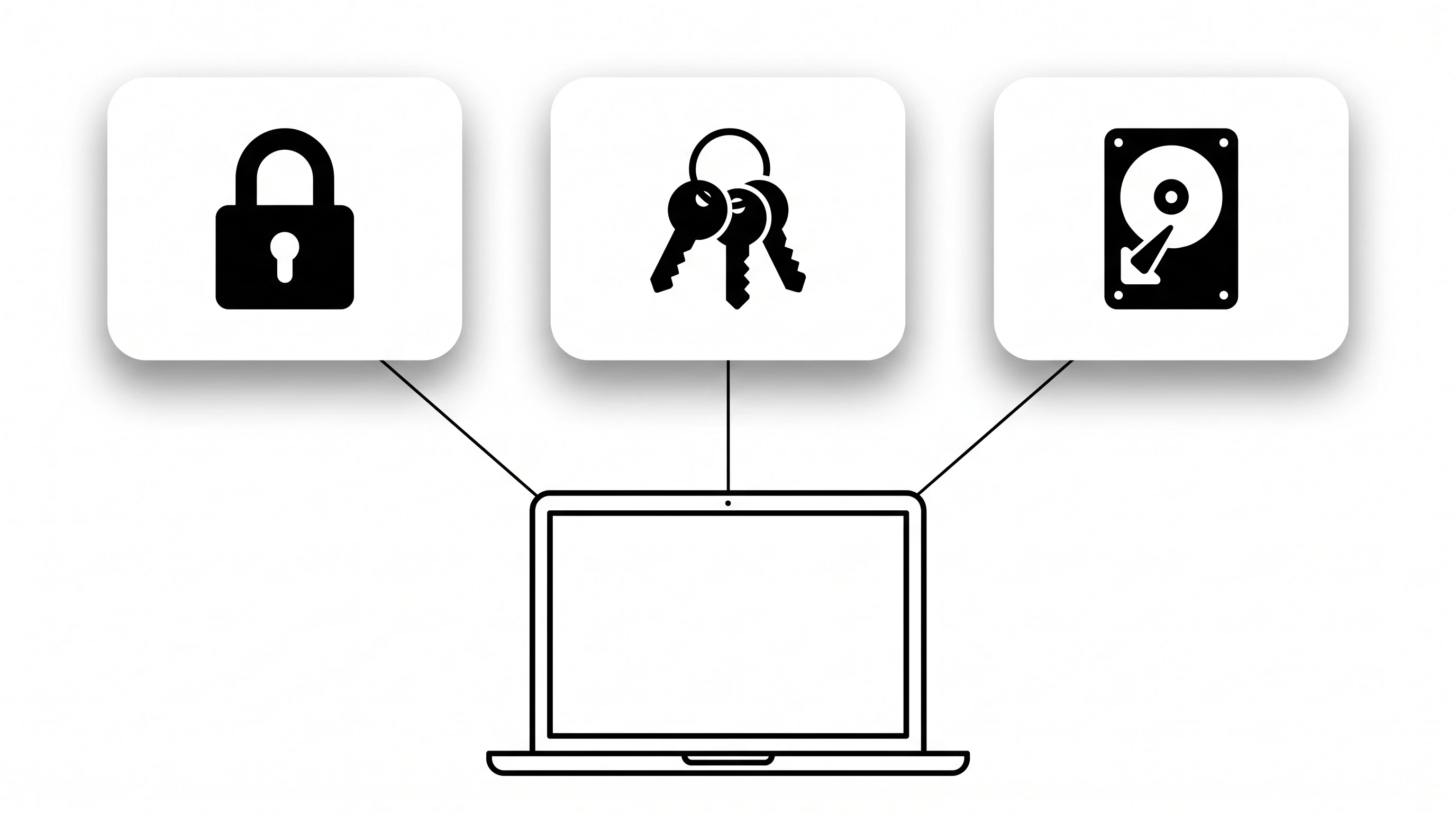
Secrets, data, and approvals live in the right places. Local app data, Keychain secrets, Google sign-in for identity, and explicit approval gates before anything destructive.
Keychain
API keys, provider secrets, refresh tokens, and integration keys live in the macOS Keychain.
Local App Data
Profiles, memory, sessions, activity, schedules, workflows, and framework state persist locally as JSON.
Approval Gates
Destructive direct tool calls are held for user confirmation unless explicitly pre-approved.
Account Boundary
Firebase Google sign-in verifies identity and Supabase returns trial/plan state.

Own your AI system
Stop renting AI tools. Start owning the system.
Start the full five-day trial, explore planned paid access, or talk to us for teams.