Features
Your cursor is no longer just where you point. It is where intelligence meets the work.
Speak. Write. Ask. Learn. Use natural language and let Attyn shape the result for the moment.
01 · Write, Inline Assist
Finish the thought where it started.
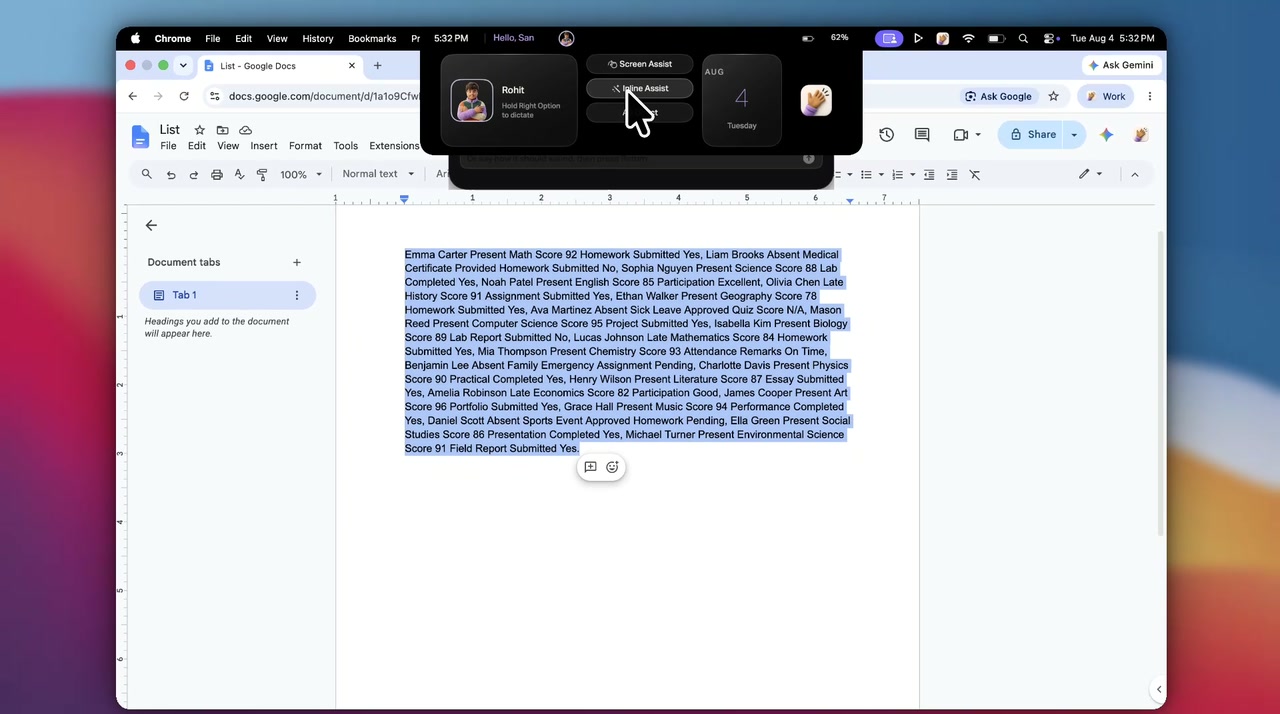
Select what needs to change and tap the key. Pick a chip or type the instruction, and Attyn rewrites, restructures, translates, or reshapes the selection in place.
No copying and pasting. You review before sending.
02 · Speak, Realtime Dictation
Speak naturally. Choose how it lands.
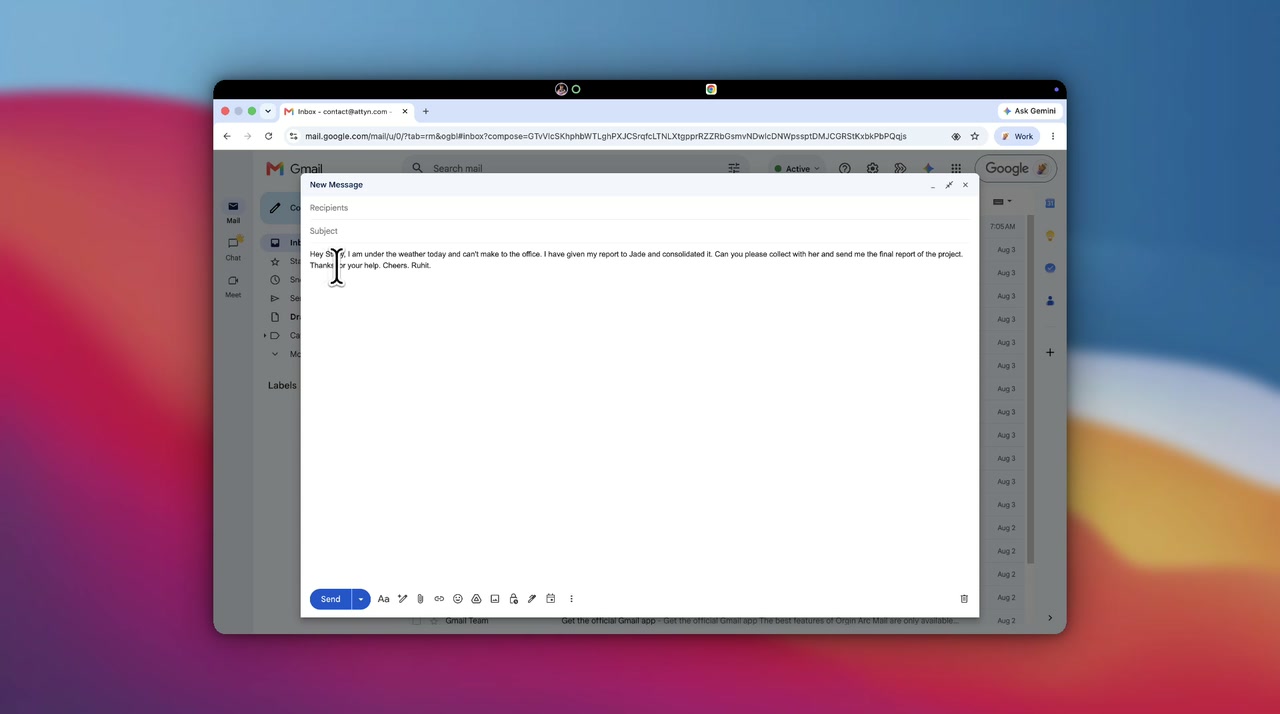
Use direct dictation for fast, on-device speech-to-text without paid model inference. When the message needs structure or polish, let Attyn use your selected intelligence to format it at the cursor.
Use intelligence only when the task needs it.
03 · Ask, Screen Assist
Ask the screen. Keep your place.
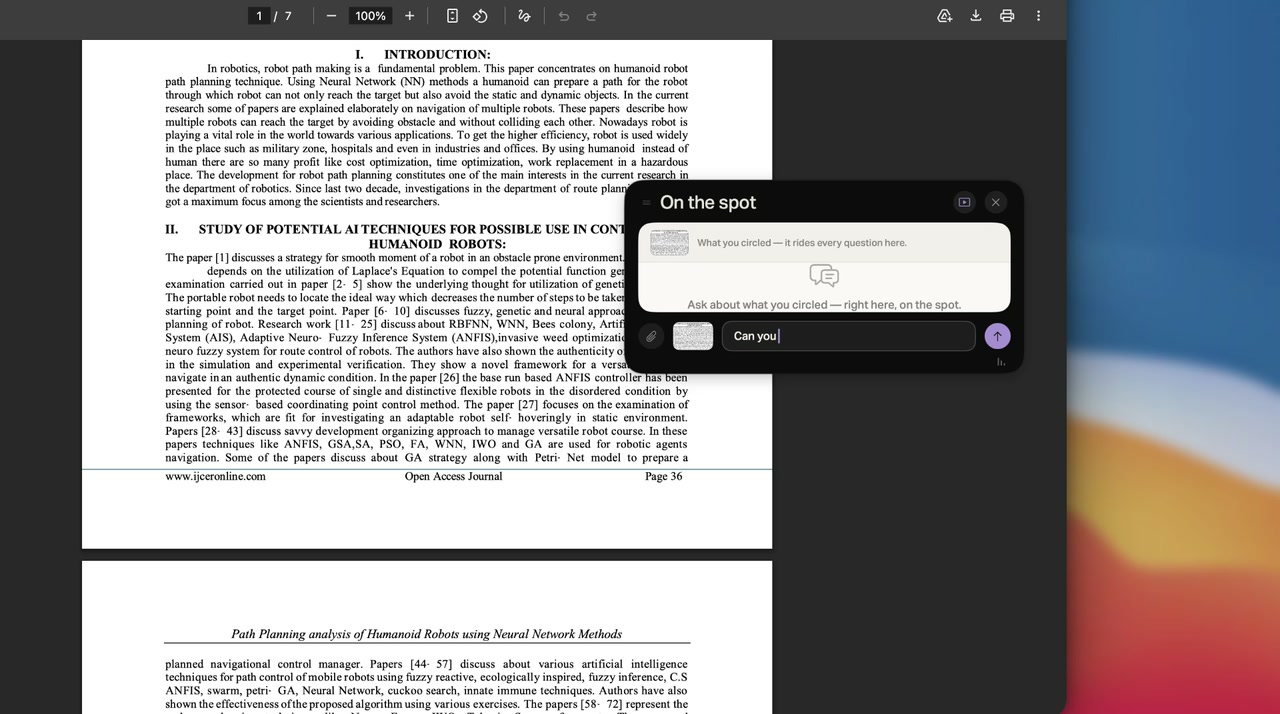
When something is unclear, do not screenshot it, open another AI tool, upload it, and explain the context. Select the relevant screen area and ask Attyn there.
Clarify the doubt without stopping the reading flow.
04 · Learn, Blackboard
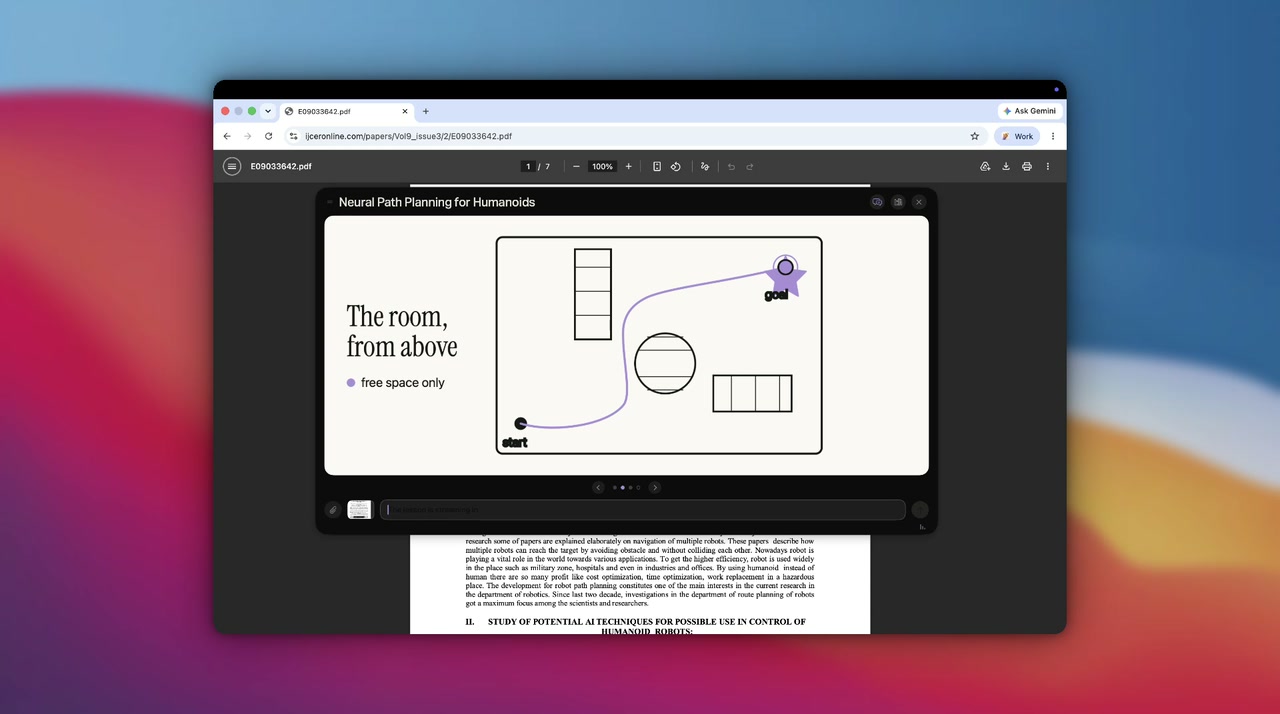
When words are not enough, create the lesson.
Ask Blackboard to explain a difficult idea with diagrams, steps, and narration built around the question. Continue until the concept is clear before moving on.
One harness behind every experience
Four experiences. One intelligence layer.
Attyn carries the request, selected context, profile rules, permissions, and chosen intelligence from the cursor to the result.
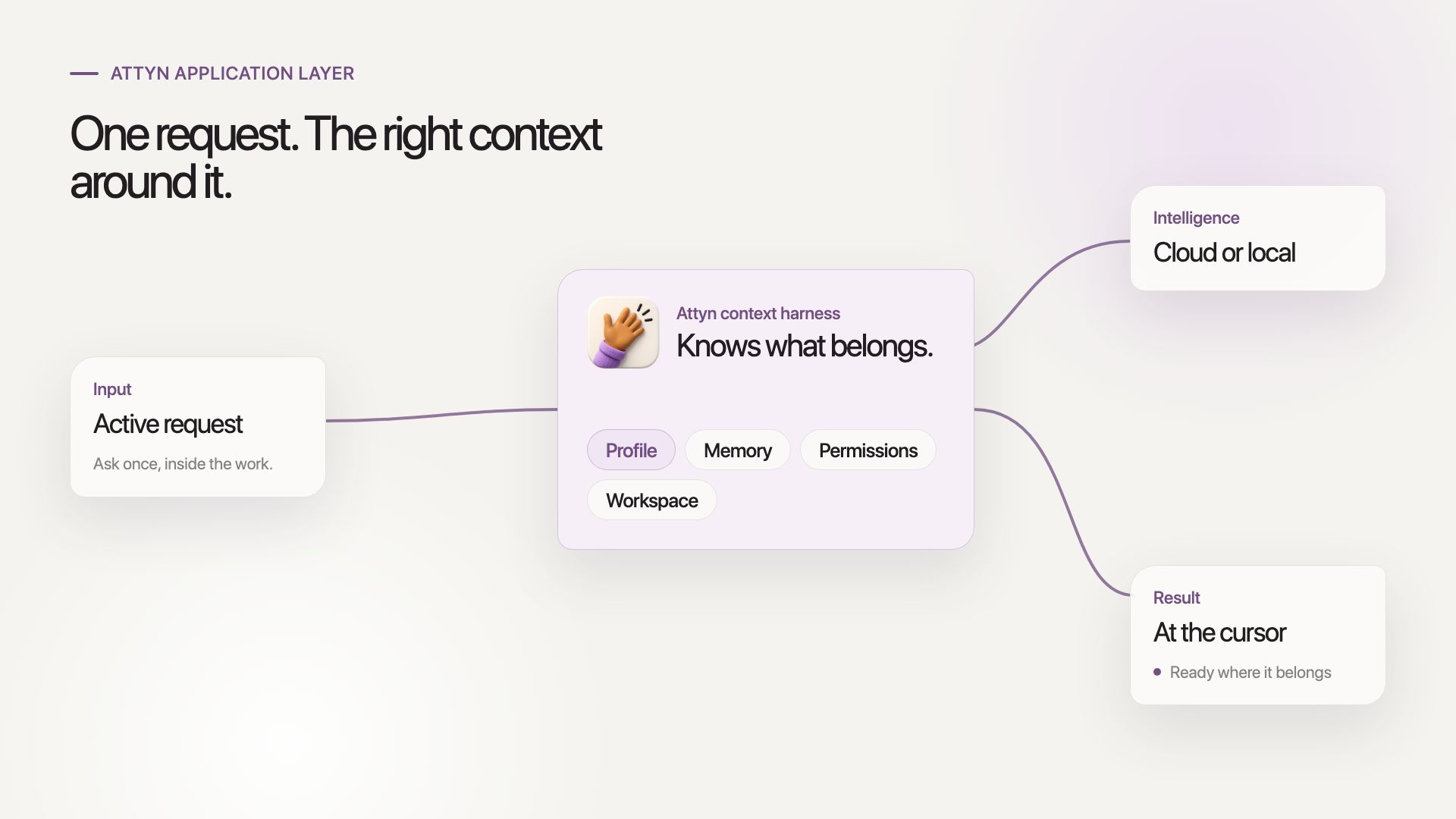
Attyn brings agentic capability to your cursor.
Get Attyn
Stop moving work into AI. Bring intelligence to where the work already is.
macOS, iOS, and Android today. Apple silicon. M1 and every M-series chip after it. Windows coming soon.