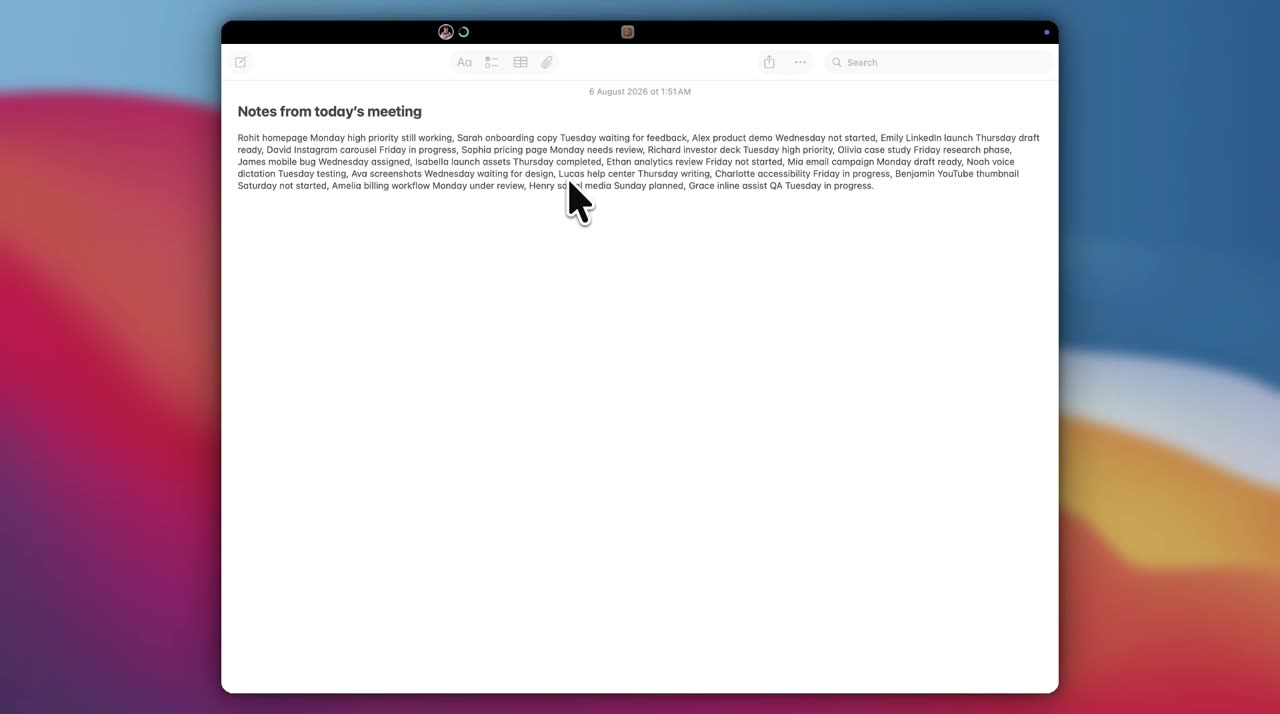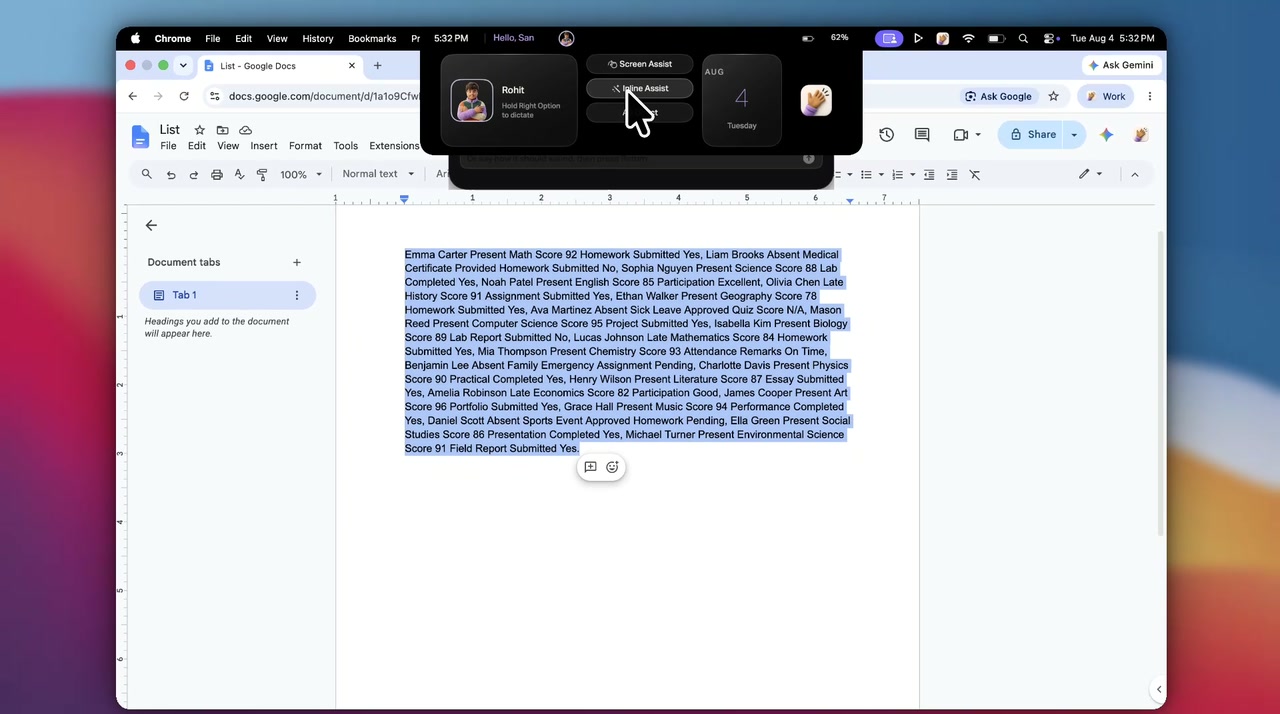
Select
Highlight what you want changed, in whatever app holds your cursor. No selection, no action.
Inline Assist
Highlight anything in any app, tap one key, and say what you want done to it. Nothing is written until you accept it, and then the result replaces the selection in place.
controlone tap, and it is remappable
The gesture
Two things to remember, a selection and a tapped key, and that is all.
This is the smallest version of the idea the rest of Attyn is built on, which is why it had to be right first.
The key is Left Control out of the box, and it moves to another modifier if that one already means something on your Mac.
Highlight what you want changed, in whatever app holds your cursor. No selection, no action.
A quick tap of the left Control key. Move it to another modifier if that one is spoken for.
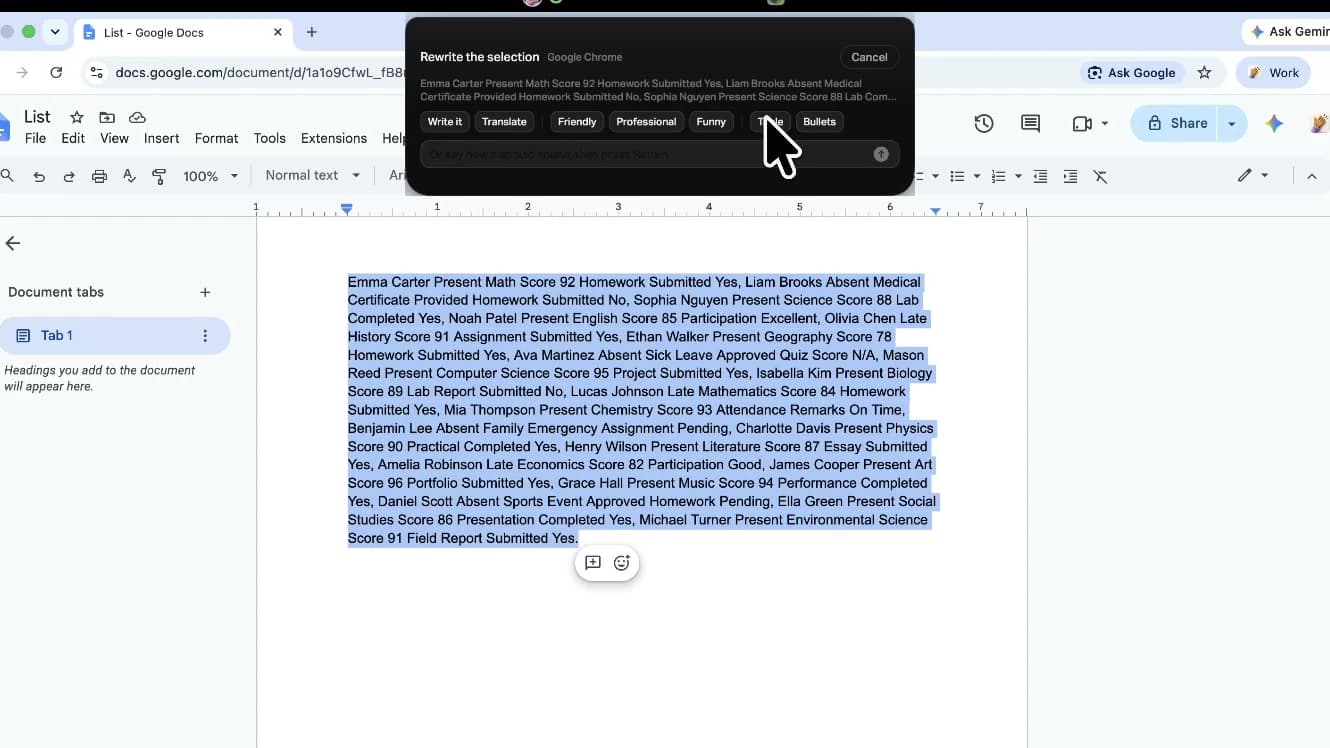
Pick a chip, or type the instruction. Friendly, professional, bullets, a table, or your own words.
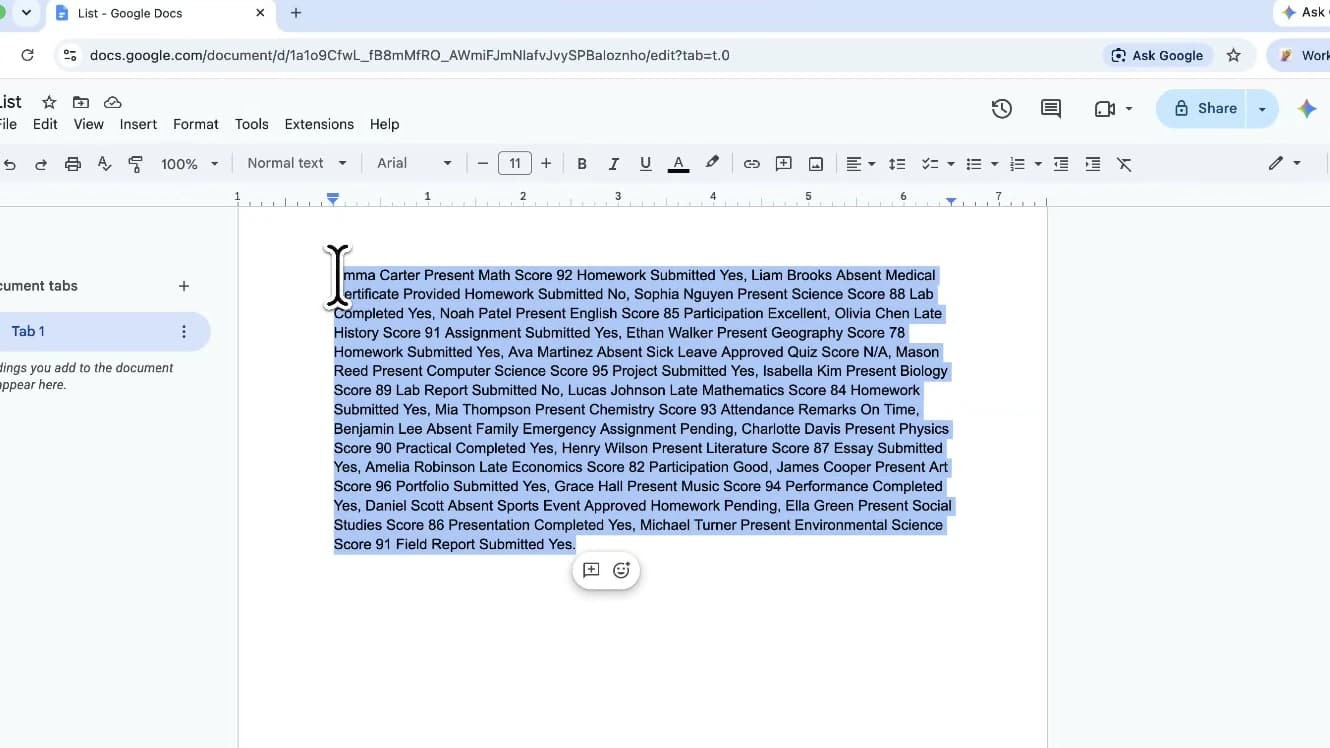
Nothing is written until you say so. Then the field changes once, and your clipboard is restored.
What you can ask for
There is no command list, because the instruction is the sentence you would have said anyway.
A document one minute, a quick note the next. Wherever a field holds your cursor, the same selection and the same tapped key land the rewrite there.
The result replaces the selection, and sending it stays yours.
The card that opens beside your selection
A chip always runs on your original selection, so Professional after Funny does not compound. The bar refines whatever the draft currently says.
The mechanism
The mechanism is the product. This is not a floating window that pastes for you. It writes into the field your cursor is in.
Written through the macOS accessibility APIs into the field that owns the cursor. No Attyn window in the way.
Whichever provider the workspace is set to, including a local one.
The selection, plus which kind of app is holding it. A chat line and a document are not asked for in the same way.
Whatever you had copied is put back, so a rewrite costs you nothing.
The boundary
Anything that writes into every app you use should be precise about its reach.
Inline Assist is scoped on purpose: one gesture, one input, one place the result can land. Everything past that line stays yours.
Questions
Any macOS application where you can select text. Inline Assist replaces the selection the same way you would by typing over it, so there is no integration to install and no supported-app list to check. Mail, documents, chat, browser fields, code editors, and the prompt boxes of other AI tools all behave the same way.
Because a window is a round trip. Tapping the key while the text is selected keeps the whole interaction in the app you were already working in. Left Control is the default, and you can move it onto a different modifier if that key already means something on your Mac.
A small card opens next to the selection with the common asks as chips: make it friendly, make it professional, turn it into bullets, turn it into a table, translate it. If none of those is the thing, there is a bar where you type the instruction in your own words.
No, and that is deliberate. If you select a question and ask for it to be made more professional, you get a more professional question back rather than an answer to it. The selection is treated as raw material, never as a prompt.
It is handed back the way you left it. Inline Assist uses it to move the text and then restores what you had, so a rewrite never costs you the thing you copied ten minutes ago.
Yes. The result arrives as a normal edit in the application, so the app's own undo takes it back exactly as it would any other change you made.
No. Inline Assist changes the selected text and stops there. It does not send the message, post the comment, or press the button. You review what landed and decide what happens next.
Realtime Dictation is free forever with a signed-in account. Inline Assist comes with Rent Attyn, $10 a month for all four features with 4,000 credits arriving every month, and with owning Attyn outright for a single $100 payment.
Get Attyn
Inline Assist ships in Attyn for macOS today. Attyn is also on iOS and Android, and Windows is coming soon.
macOS, iOS, and Android today. Apple silicon. M1 and every M-series chip after it. Windows coming soon.