When the shape is the point
A paragraph describing a structure is a worse version of drawing it.
Blackboard
A paragraph about backpropagation with that word circled, a question reading draw me this, and a board sketching a small neural network, running a guess forward through it, then drawing the error travelling back the other way.
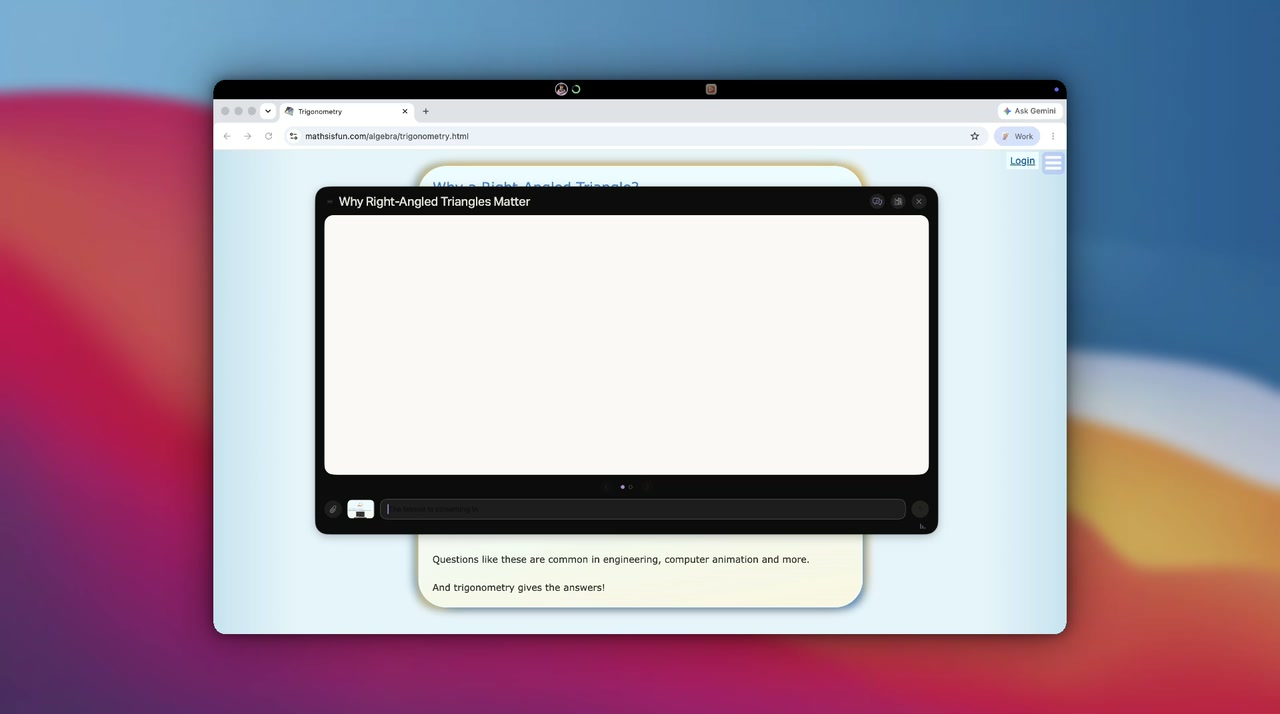
Ask for a visual and Attyn draws one on a floating board above your work: a short lesson that animates and talks you through it, not a paragraph describing a diagram.
hold right commandcircle it, then ask
What goes on the board
Composed for what you asked, not retrieved from a library of stock diagrams. That is the difference between an illustration and an explanation.
How the parts relate, laid out so you can follow the lines.
A calculation or a method, worked one step at a time.
What happens in what order, when the order is the answer.
Options side by side, so the difference is visible, not described.
A floating card above your work
The board sits over whatever you were doing, so the lesson happens beside the work instead of in another destination.
Somewhere you keep working, which is why it takes a follow-up and redraws. Continue until the concept is clear before moving on.
When drawing beats writing
Text was never the only shape an answer can take. The response should arrive in the form the question needed.
A paragraph describing a structure is a worse version of drawing it.
Something you can point at and step through beats something you read once.
Drawn for the question you asked, so it is the diagram you needed.
Questions
Explanations that have a shape: a process with steps, a structure with parts, a comparison, a sequence, a relationship between things. If the honest answer to your question is a diagram, this is where the diagram gets made.
Hold Right Command for a moment, circle what you are asking about, and type the question. A ring fills under the notch while you hold, so you can see the board coming. Tapping the same key instead opens Screen Assist, which answers in a sentence rather than drawing you a lesson.
It explains itself. A board is a short lesson of a few scenes rather than a single image. Each scene animates and is narrated aloud, and it moves on when the narration finishes, so you can watch it the way you would watch someone work through it at a whiteboard.
It floats above your work as a card you can move and resize, so the thing you were reading stays where it is. Close it and the board goes away without disturbing anything underneath.
Yes. The board is a conversation, not a one-shot render. Ask for a step to be expanded, a part to be relabelled, or the whole thing to be explained a different way, and it draws again with the new question in hand.
Yes. Boards are kept and can be replayed from the shelf inside the board or from the Blackboard page, and you can delete any of them.
No. The board is built for the question you asked rather than assembled from stock shapes, which is why you can question it afterwards and have it change. A generated picture cannot answer a follow-up, and it cannot talk you through itself.
Blackboard comes with Rent Attyn, $10 a month for all four features with 4,000 credits arriving every month. Realtime Dictation is free with every signed-in account. Owning Attyn outright is a single $100 payment and includes everything.
Get Attyn
Blackboard ships inside Attyn for macOS. Ask the question where you are working and get an answer you can point at.
macOS, iOS, and Android today. Apple silicon. M1 and every M-series chip after it. Windows coming soon.