Realtime Dictation
Do not type.Do not tidy up either.
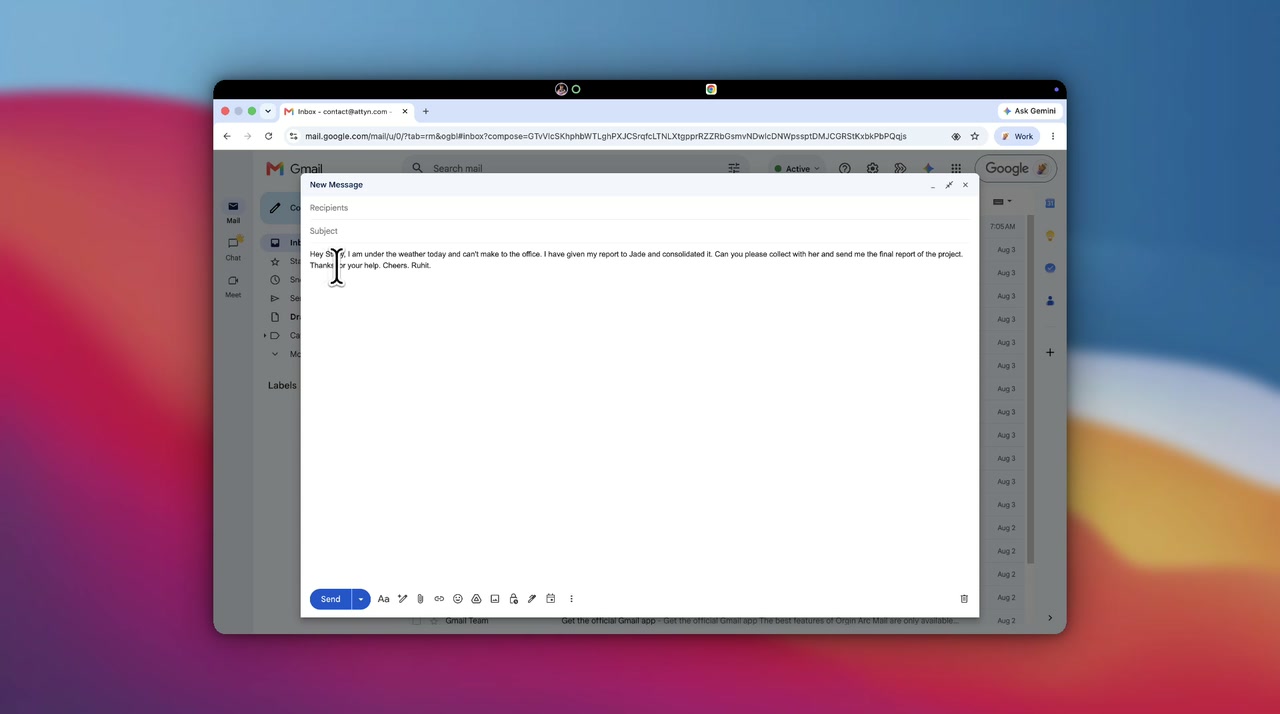
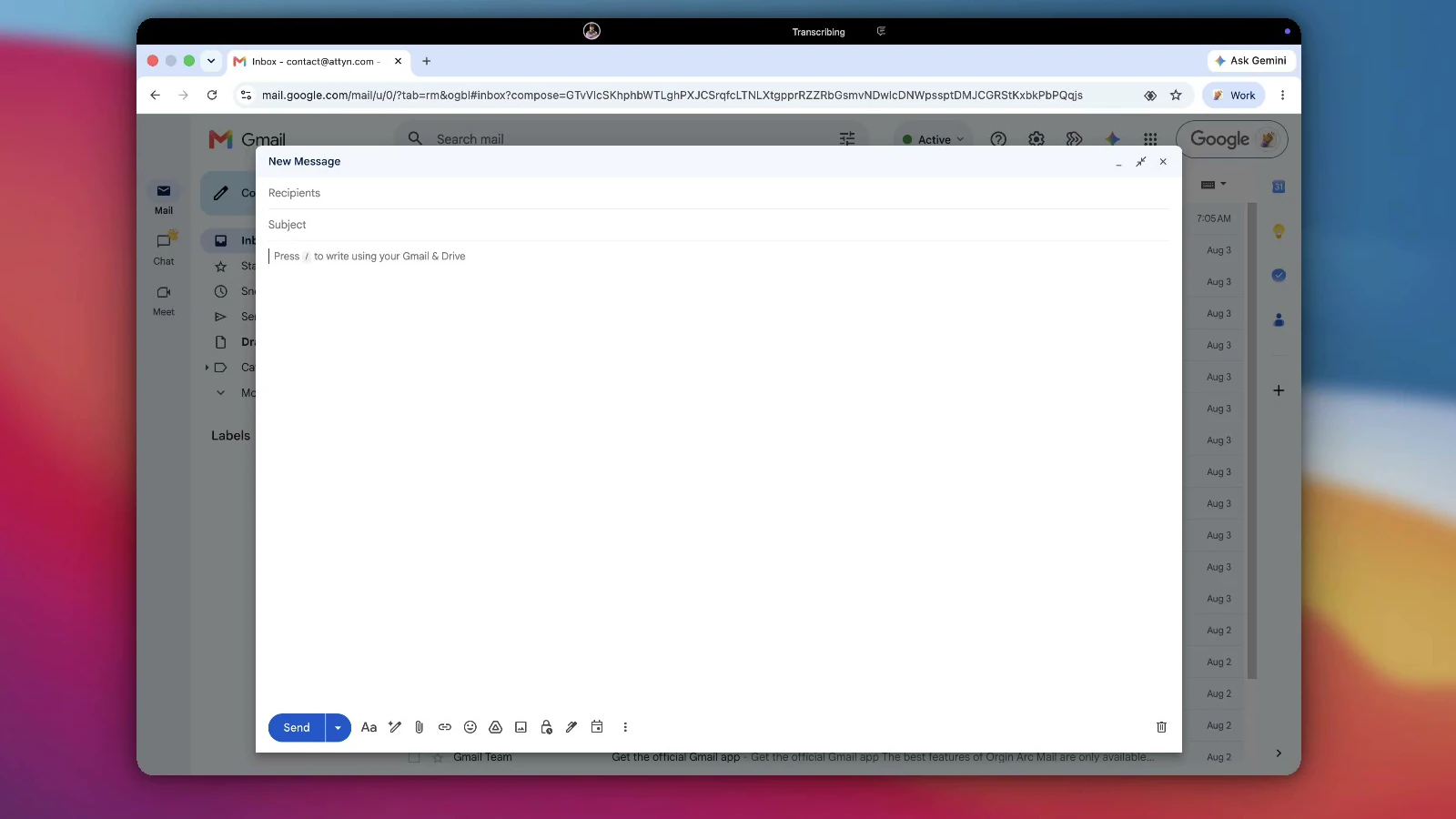
Speak the way you would to a colleague. Attyn transcribes on your Mac and puts finished text where your cursor already is.
One breath, three landings
The same sentence, dressed for the room.
A transcript is your words with punctuation added. It is not a message yet. Attyn shapes the words before they land, matched to the application holding your cursor. And it is now free forever: raw and formatted dictation, for every signed-in account.
What you said
- Filler
- Repetition
- Correction
okay so um I just got off the call with Priya and she said the the invoice thing is still broken for annual plans, not monthly, just annual, and uh she's going to send over the screenshots this afternoon I think, so can you take a look before standup tomorrow, sorry not tomorrow, Wednesday, and yeah let me know if you need anything from me

Just spoke with Priya. The invoice bug is still there on annual plans only, monthly is fine. She is sending screenshots this afternoon.
Can you take a look before Wednesday standup? Shout if you need anything from me.
A chat line opens with the point. No greeting, no sign off, nothing to scroll past.

SubjectInvoice bug on annual plans
Hi Sam,
I spoke with Priya this morning. The invoice issue is still occurring on annual plans, though monthly plans are unaffected. She will send screenshots this afternoon.
Could you review before Wednesday standup? Happy to help if you need anything from me.
Mail wants a subject, a greeting, and full sentences. The same breath, dressed for an inbox.

TitleCall with Priya
Invoice bug persists on annual plans. Monthly unaffected.
Screenshots arriving this afternoon.
Review before Wednesday standup.
A note is for you later. It keeps the facts and drops the manners.
Your choice
Intelligence in the dictation, only if you want it.
Formatted is on by default because it is what most people want most of the time. Turn it off and you get raw dictation: exactly what you said, transcribed on your Mac and pasted as it is.
Formatted
Intelligence onSpeech in, finished message out.
The stumbles come out, the punctuation goes in, and the result is shaped for the application holding your cursor. This is the default, and it is the lane that uses the intelligence you selected.
- Fillers, false starts and repetitions removed
- Shaped for the app you are writing in
- Sends the transcribed text, never the recording
Direct
Intelligence offExactly what you said, word for word.
The on-device transcript, pasted as it is. Nothing is rewritten, nothing is tidied, and no request leaves your Mac. Pick this when you want a verbatim record, or when you would simply rather nothing left the machine.
- Verbatim, including the ums if you said them
- No model call, so it costs nothing to run
- Nothing leaves the Mac at all
Between press and release
You do the first one. It does the rest.
Press
The mic opens on the keypress, ahead of any network work, so the first word is never the one you lose.
Transcribe
A local model on Apple silicon. Nothing leaves the Mac to be heard.
Format
Shaped for the app holding the cursor before it lands, not after you fix it.
Insert
It drops into the focused field, and your clipboard is restored.
Where it goes
The recording never leaves.
Transcription runs on your Mac, so the audio is never uploaded anywhere. Shaping the words is a separate step, and this is exactly what it does and does not send.
- The recording never leavesTranscription runs on device, and the audio is deleted once it is done.
- Direct mode sends nothingPick it and the on-device transcript is pasted as it is, with no network call.
- Formatting sends text, never audioThe default shapes the words using the intelligence you chose. It never sends the recording.
- The log stays on the MacA local history you can search. Nothing syncs off the machine by default.
Questions
The things people ask first.
Does this work in the apps I actually use?
Attyn types where your cursor already is, so there is no integration to install and no list of supported apps to check. If the field accepts a keyboard, it accepts Attyn. That covers mail, chat, documents, notes, browser forms, code editors, and the prompt boxes of other AI tools.
How is this different from the dictation built into macOS?
Built in dictation gives you a transcript: your words, punctuated, exactly as spoken. Attyn gives you the finished text. The stumbles come out, and the result is shaped for the application holding the cursor before it lands, so a chat line and a mail do not arrive in the same shape.
Where does my voice go?
The recording never leaves your Mac. Transcription runs on device using a local model, and the audio is deleted once it has been transcribed unless you ask to keep it. Shaping the words is a separate step: the default sends the transcribed text to the intelligence you selected, and it never sends the recording. If you would rather nothing left the machine at all, Direct mode pastes the on-device transcript exactly as you said it, with no network call.
Do I have to talk in clean sentences?
No. That is the point of the formatting step. Speak the way you would to a colleague, including the false starts and the corrections, and the shaping happens before the text reaches the field.
Will it get names and jargon right?
You can teach it. A custom dictionary keeps names, product terms, and technical vocabulary from being guessed at. Attyn also watches for the fixes you make yourself: correct a word after it lands and it offers to remember that spelling for next time.
Which key starts it?
Right Option by default. Hold it, speak, and let go. Double tapping it starts a hands-free session instead, and if that key is spoken for on your Mac you can move dictation onto a different modifier in settings.
What about languages other than English?
On-device transcription handles more than one language without you choosing one first, and how many depends on which local model you have installed. The optional cloud lane works differently on purpose: you pick the language rather than letting it be guessed, because guessing produced worse results than choosing.
Do I need a special microphone?
No. The microphone built into your Mac is what this was tuned against.
What does it cost, and what else comes with it?
Dictation, raw and formatted, is free forever with a signed-in account. Rent Attyn is $10 a month for all four features, including Inline Assist, Screen Assist and Blackboard, with 4,000 credits arriving every month. Owning Attyn outright is a single $100 payment.
Get Attyn
Stop cleaning up transcripts.
On-device transcription is the shipped default, and the text arrives already shaped for the app holding your cursor.
macOS, iOS, and Android today. Apple silicon. M1 and every M-series chip after it. Windows coming soon.