Attyn for Students
Learning should happen where the question appears.
Explanation, visual teaching, and writing support at the cursor, so studying stays with the material instead of becoming another tab-switching exercise.
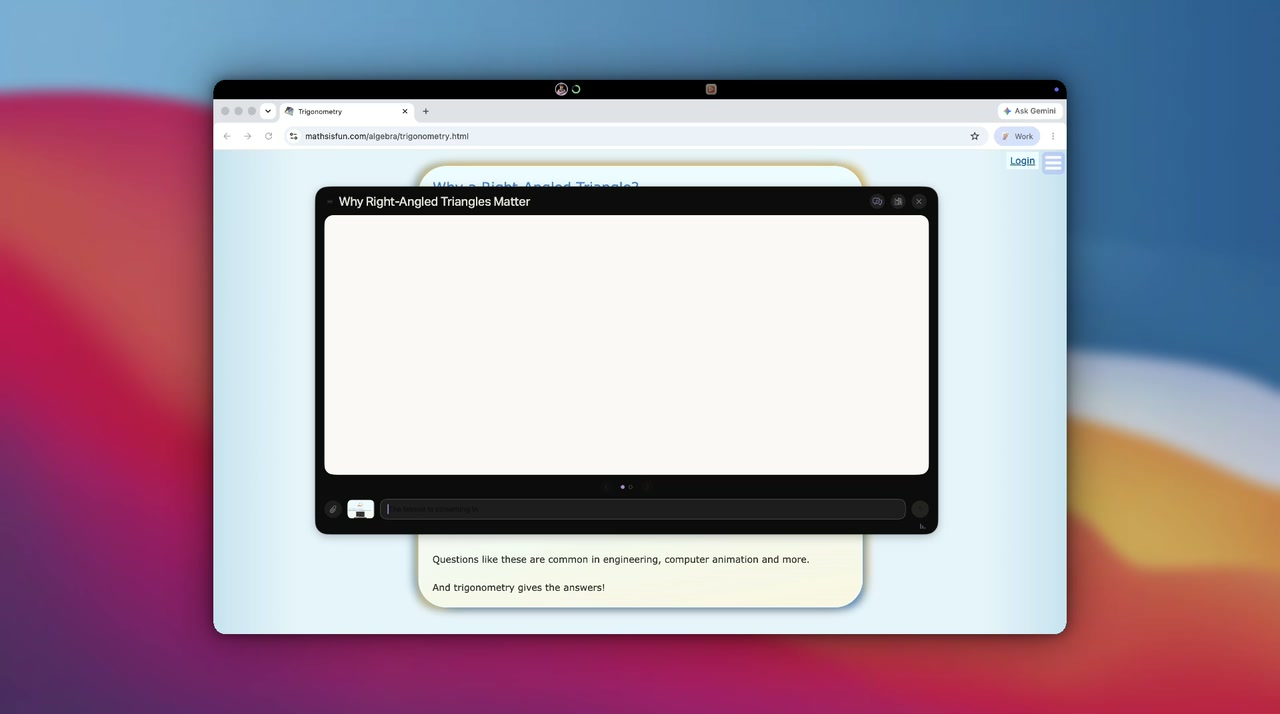
Blackboard
If words are not enough, turn them into a lesson.
Some concepts refuse to stay in text. Ask Attyn to teach one on the Blackboard, diagrams, steps, and narration designed around the exact question you asked, not a generic topic video. Follow up as many times as it takes until it is clear.
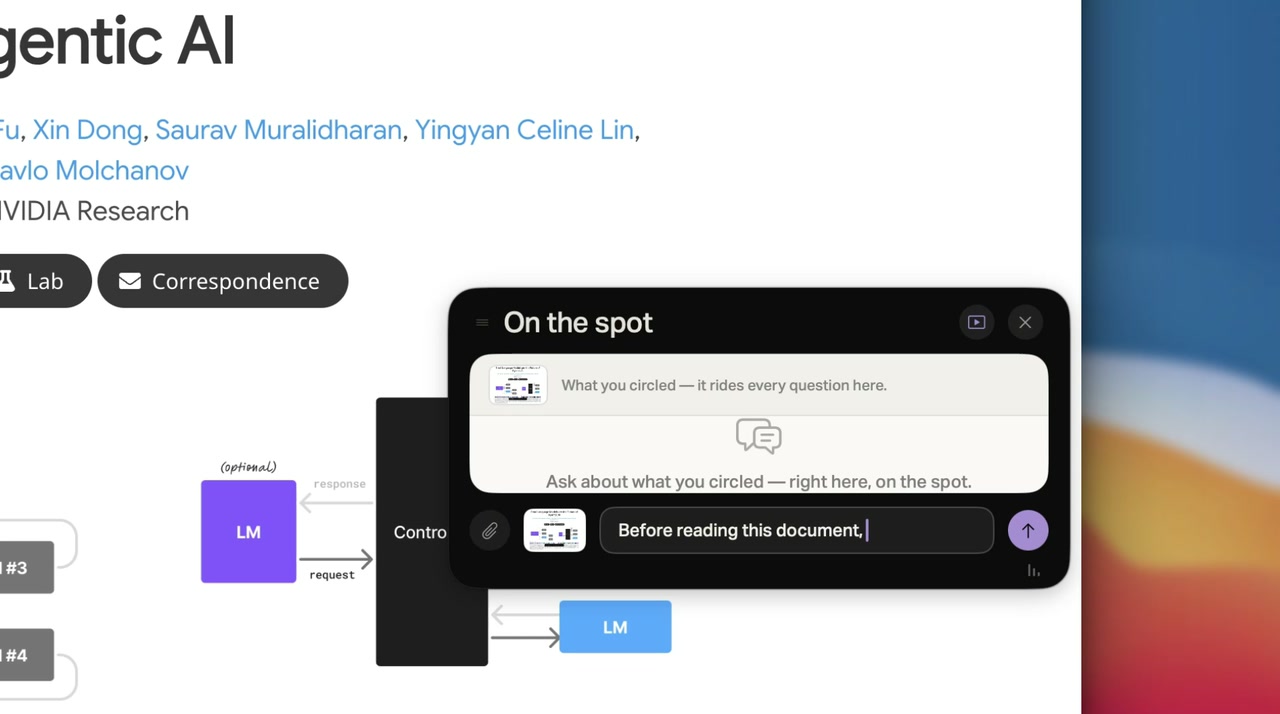
Screen Assist
Clarify the doubt without leaving the reading.
An acronym, a formula, a chart, a sentence that will not resolve, select it and ask right there. No screenshot, no upload, no re-explaining the context to a chat window. The answer arrives beside the reading, and your place in it survives.
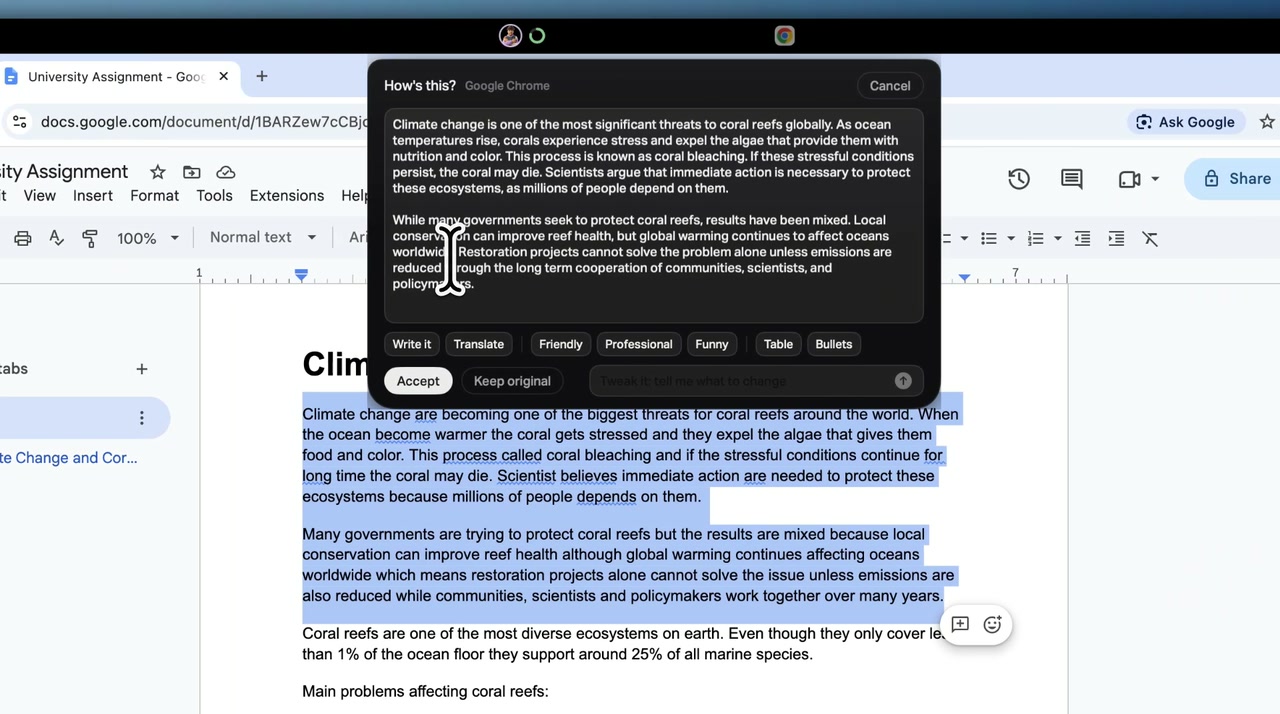
Inline Assist for your own work
Organize the findings. Keep the thinking yours.
Turn your own research notes into tables, bullets, cleaner grammar, or a structure a reader can follow, in place, at the cursor. Attyn works on presentation and clarity. The thinking that went into the notes does not change hands.
You stay responsible for the ideas and the submission.
Under your control
Academic ownership
Attyn helps you understand, organize, and communicate. It is not a shortcut through assessed work. What it explains, you still learn; what it formats, you still wrote. Verify sources and high-stakes facts before you rely on them.