On-device ASR
A local speech model tuned for Apple silicon. Your voice never leaves the machine.
Voice
Voice is an input method here, not a feature. Attyn transcribes on-device and puts the result where your cursor already was.
What uses it
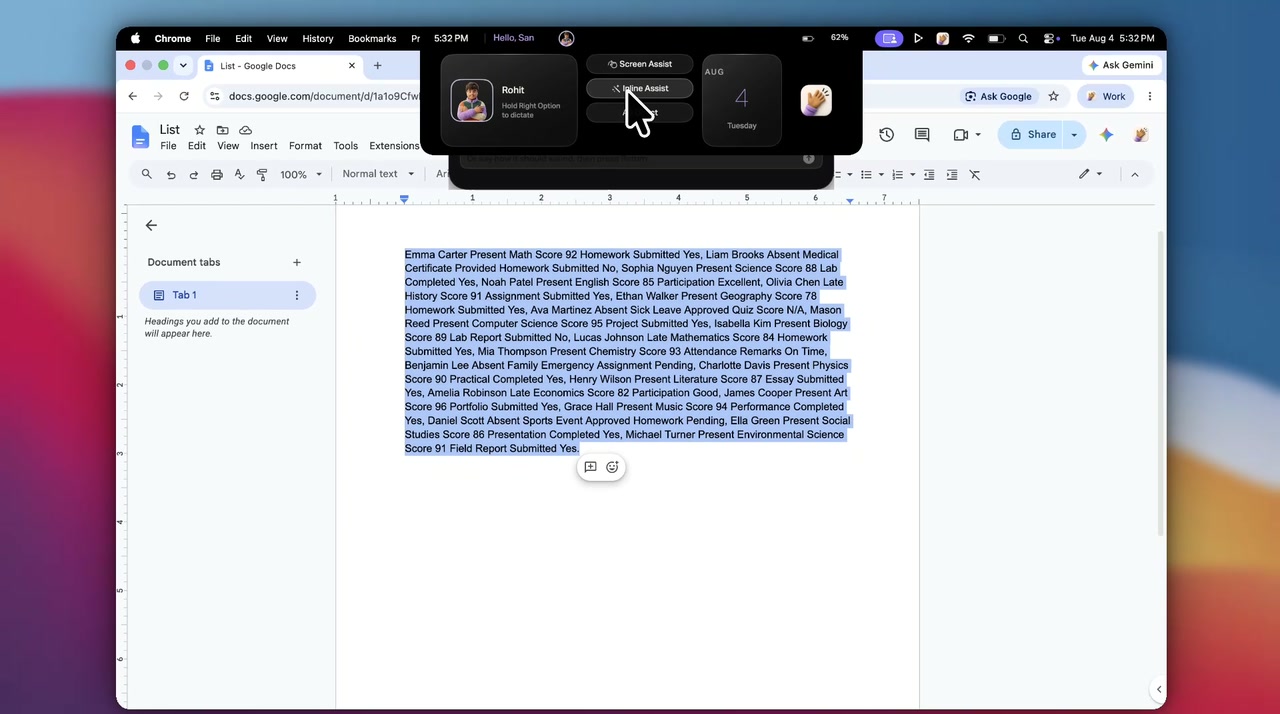
The difference is whether you had text selected when you pressed the key. Everything after that is the same path.
Select text, hold the left Control key, and say what you want done to it. The rewrite replaces the selection.
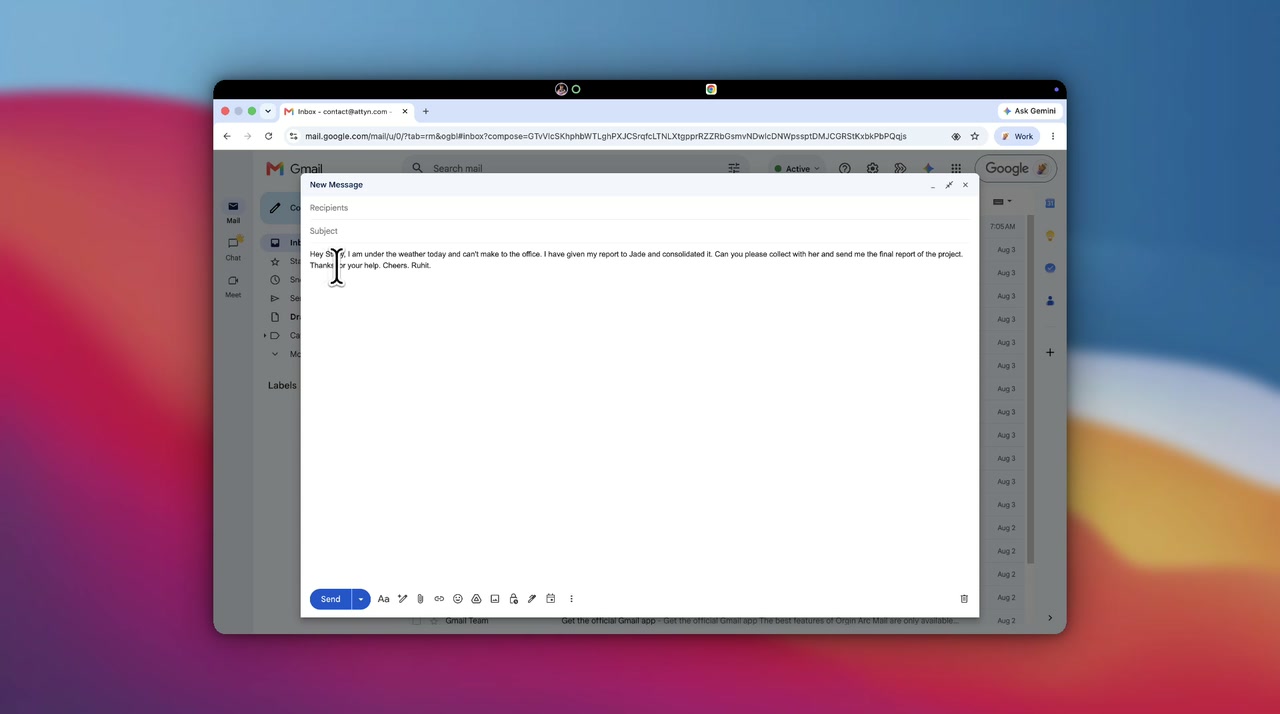
Inline Assist in fullSpeak with nothing selected and the words become the text, already shaped for the app holding your cursor.
Dictation in fullVoice is an input method here, not a feature.
The engine
Local by default. The pieces that let a microphone feel like part of the operating system rather than a window you opened.
A local speech model tuned for Apple silicon. Your voice never leaves the machine.
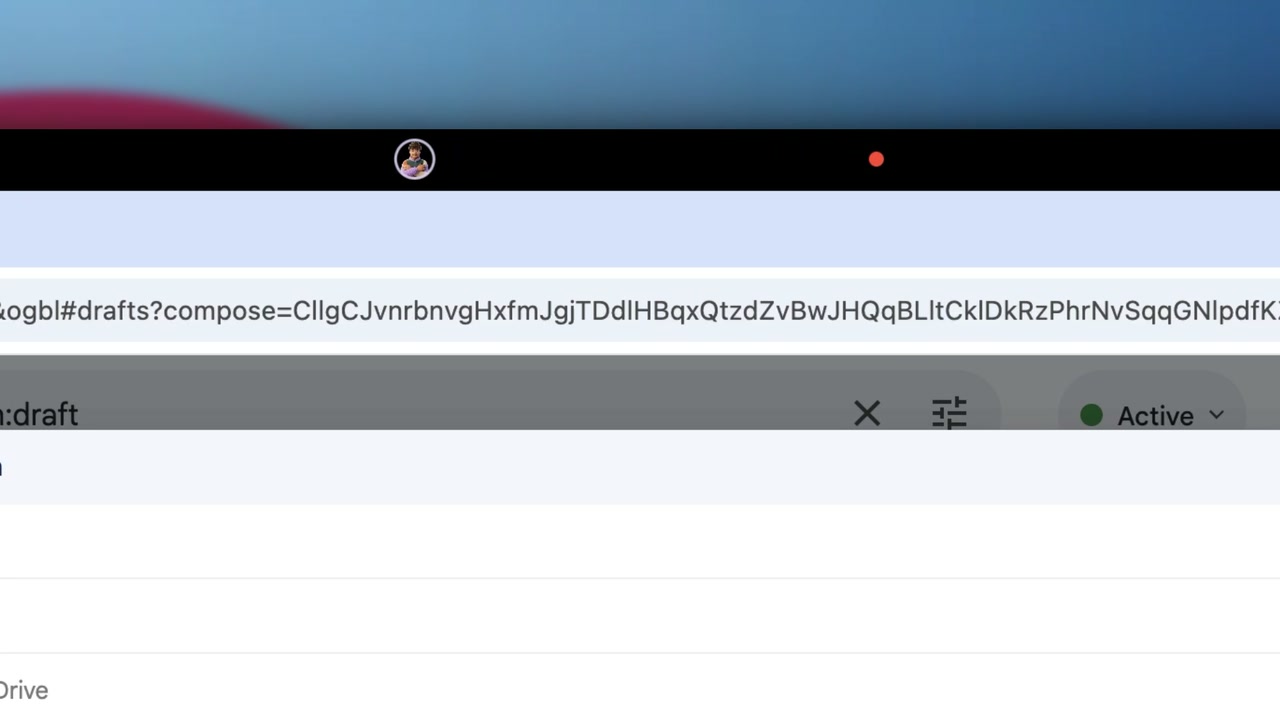
The mic never waits on the network or the main thread. It hears the first word, not the second.
Clean, concise, professional, or one you write yourself. Same words, the register you need.
It lands in the focused app, then your clipboard is put back where it was.
Teach it your colleagues and your jargon, the names it would otherwise have to guess at.
A searchable local SQLite log that is never uploaded. Everything you dictated, on disk.
Privacy
Plain words about where your voice goes. By default, nowhere, transcription happens on your Mac.
Nothing is uploaded to work, so the cloud stays something you reach for. Cloud requests follow the provider’s policy , and they only ever carry text you chose to refine.
Recordings are deleted once transcribed, unless you keep them.
Held by macOS, never written to a configuration file or plain text.
The dictation log stays in Application Support on your Mac.
Off unless you turn it on, and a cloud model only ever sees text you chose to refine.
Get Attyn
Attyn transcribes on your Mac and puts the result where your cursor already was.
macOS, iOS, and Android today. Apple silicon. M1 and every M-series chip after it. Windows coming soon.